When I started working on team projects, this happened to me almost every week:
I’m in the middle of writing a feature or working on a task. My code is half-done, uncommitted, with debug logs everywhere. Suddenly, a teammate asks: "Hey, can you pull my branch and check if this looks good?" or a quick bug needs to be checked on main.
My default move was always git stash:
git stash save "wip"
git checkout main
# ...test things or fix stuff...
git checkout my-feature-branch
git stash pop
Most of the time it worked, but sometimes:
- I’d forget what I stashed or end up with 5 different
WIPentries ingit stash list. - My dev server or local build would get messed up switching between branches.
- I'd occasionally get annoying stash conflicts on files I was literally just writing.
Last year I learned about Git Worktrees. It's built directly into Git, and it completely changed how I handle these situations.
What is a Git Worktree?
Normally, your cloned repo is tied to one working directory. When you switch branches, Git swaps files in and out of that same folder.
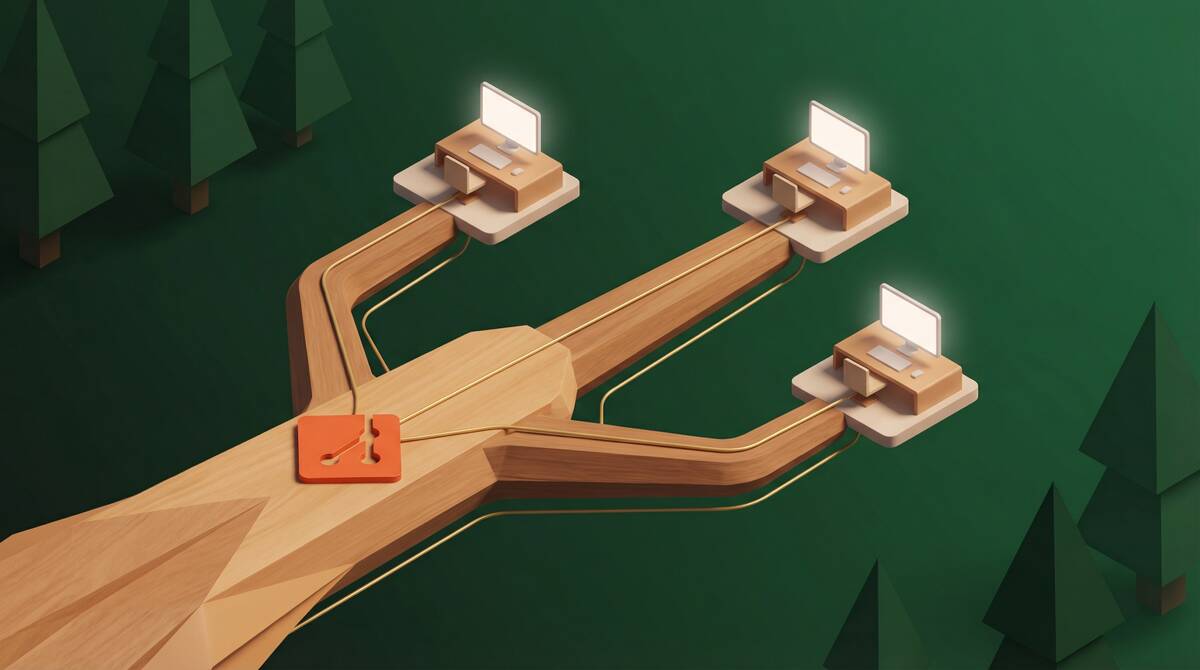
A worktree lets you have multiple branches checked out in separate folders at the same time, while still sharing the same .git history.
Instead of putting your unfinished work away to switch branches, you just open another folder for the other branch. Your current editor window stays untouched.
The Workflow (Step-by-Step)
1. Create a worktree
Say you're working in my-project on branch feature-a. You need to quickly test a colleague's PR or fix a bug on main.
Run this from your repo root:
git worktree add ../my-project-hotfix -b bugfix mainThis does three things:
- Creates a new folder
../my-project-hotfixoutside your current directory. - Creates a new branch called
bugfixstarting frommain. - Checks it out in that folder.
If you just want to check out an existing branch (like reviewing someone's branch teammate-pr):
git worktree add ../review-pr teammate-pr2. Do the work
Open that folder in a new VS Code / editor window or terminal:
cd ../my-project-hotfix
# make fixes, run tests, commit, push
git add .
git commit -m "fix: typo in route config"
git push origin bugfix
Meanwhile, your other editor window with your original feature is sitting right where you left it. Nothing was stashed, no terminal died.
3. Cleanup when done
Once you've pushed your fix or finished reviewing, cleaning up takes 2 commands:
# 1. Remove the worktree folder
git worktree remove ../my-project-hotfix

# 2. Delete the branch locally if you don't need it anymore
git branch -d bugfix
To see all currently active worktrees:
git worktree listIf you manually deleted a worktree folder using your file explorer instead of running git worktree remove, clean up Git's tracking with:
git worktree pruneThings to Care About (What caught me off guard)
Worktrees are super useful, but here are the practical gotchas I ran into:
1. Your .env files are NOT copied
Git only checks out tracked files. Any local .env, .env.local, or ignored config files won't exist in the new folder.
You will need to manually copy your .env over before running your app:
cp ../my-project/.env.local ../my-project-hotfix/2. Dependencies & Disk Space
Because it's a physically separate directory, it doesn't share node_modules or build artifacts with your main repo.
- You have to run
npm install(orbun install,pnpm install, etc.) in the new folder. - If your project has a 1GB
node_modulesfolder, 3 worktrees mean ~3GB of disk space. Don't leave 10 old worktrees hanging around.
3. You can't checkout the same branch twice
Git doesn't let two worktrees be on the exact same branch at the same time to prevent file conflicts. If main is checked out in your main repo, you can't checkout main in a worktree without detaching HEAD or creating a new branch off it (like -b temp-main).
Is git stash actually useless now?
Not at all. I still use git stash when:
- I want a quick 10-second check: "Did my changes break this test, or was it already broken?" (stash -> run test -> stash pop).
- I have 2 uncommitted lines I want to carry over to another branch.
For anything that takes more than 5 minutes—like testing someone's PR or fixing a bug while your feature is half-baked—worktrees are just way less stressful.